Everything you need. Nothing you don't.
A full firewall, DNS and DHCP server, with each part explained as you go.
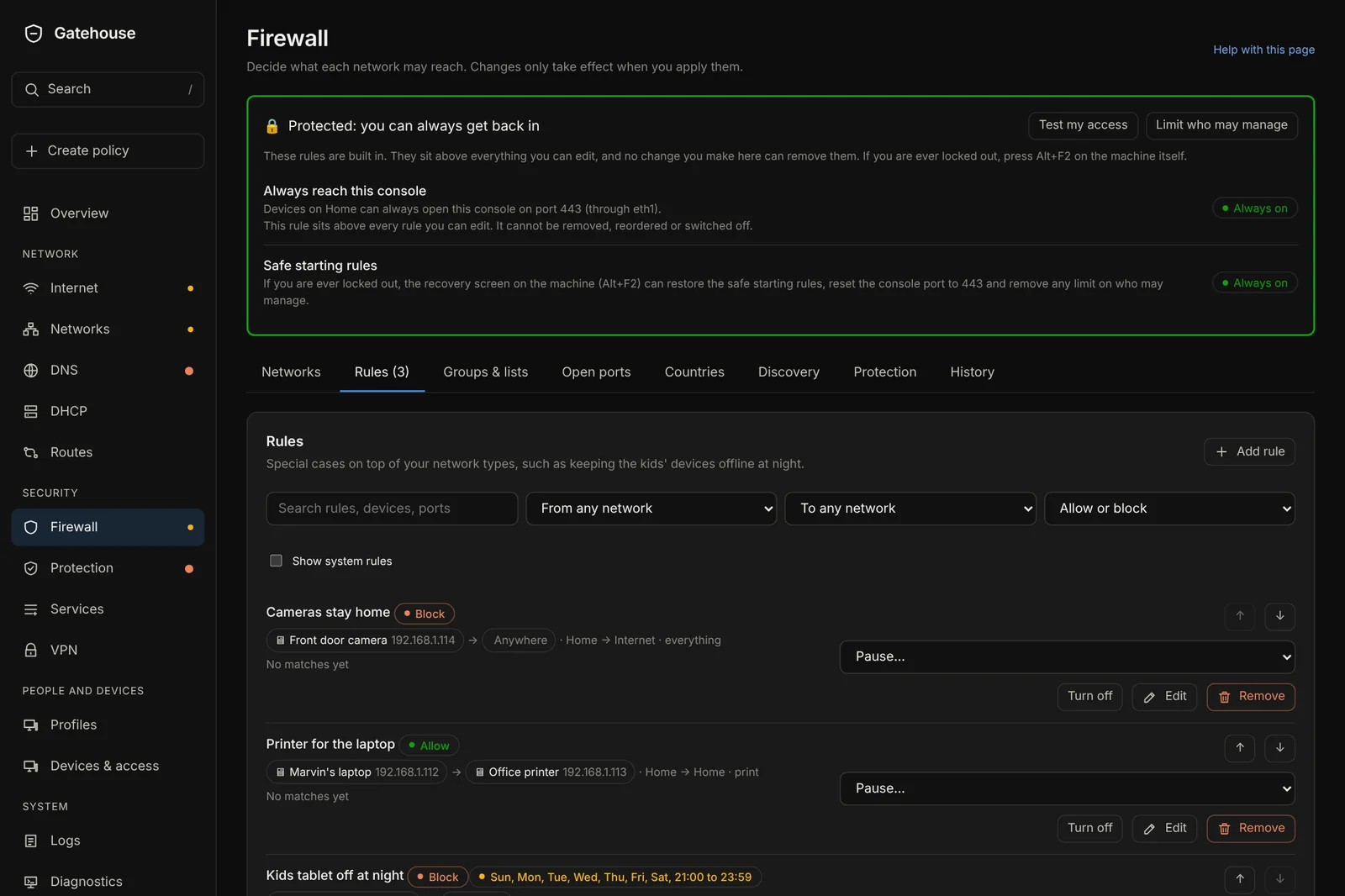
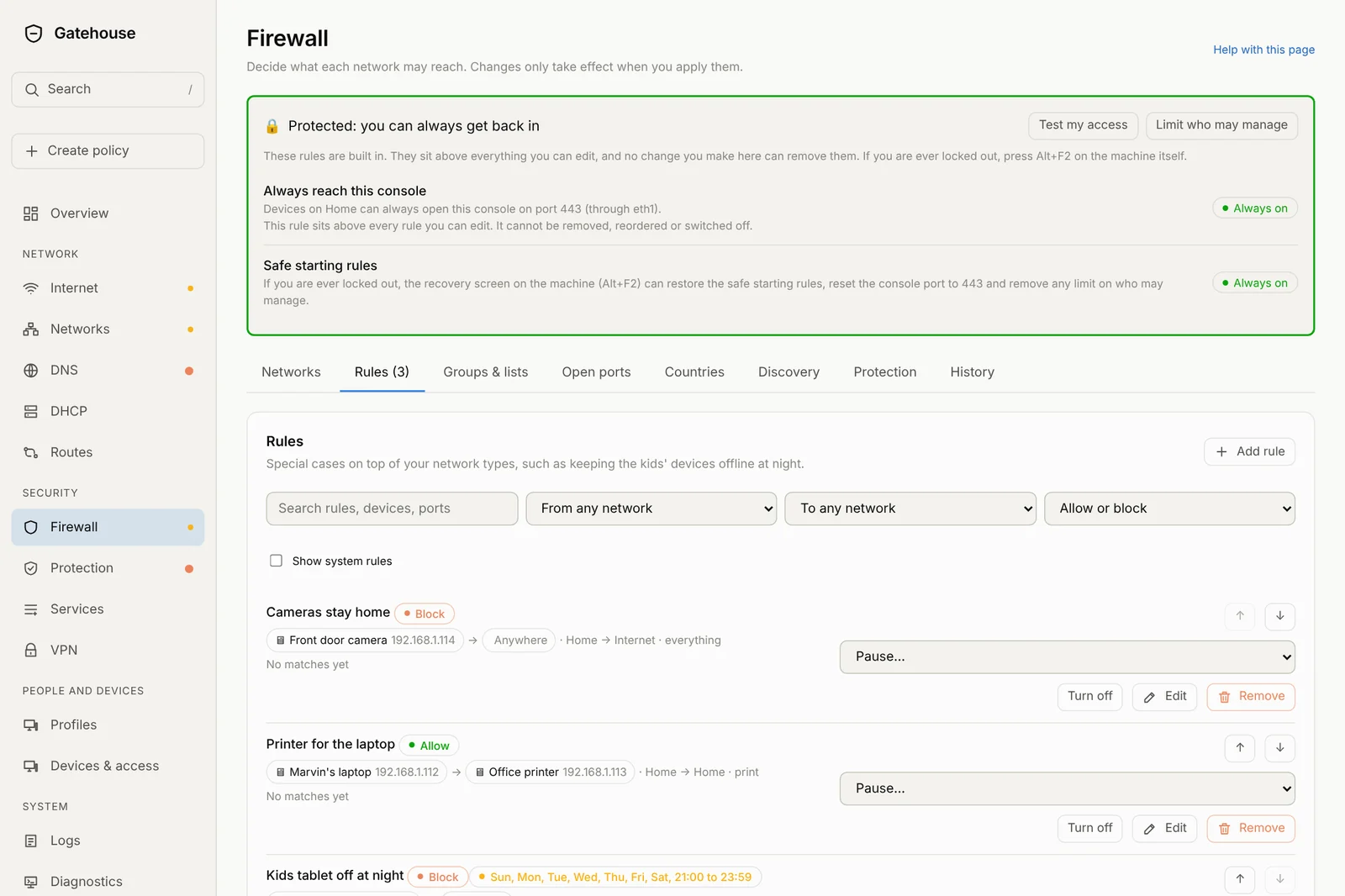
Rules you can read out loud.
Each network has a simple type that does most of the work for you. For special cases, add a rule in plain words: who, where to, what for. Every rule can be paused, turned off, put on a schedule, edited or removed from the same row.
- See how many times each rule has matched
- "Test my access" shows whether a device can reach something
- Built-in safe rules that can never be removed
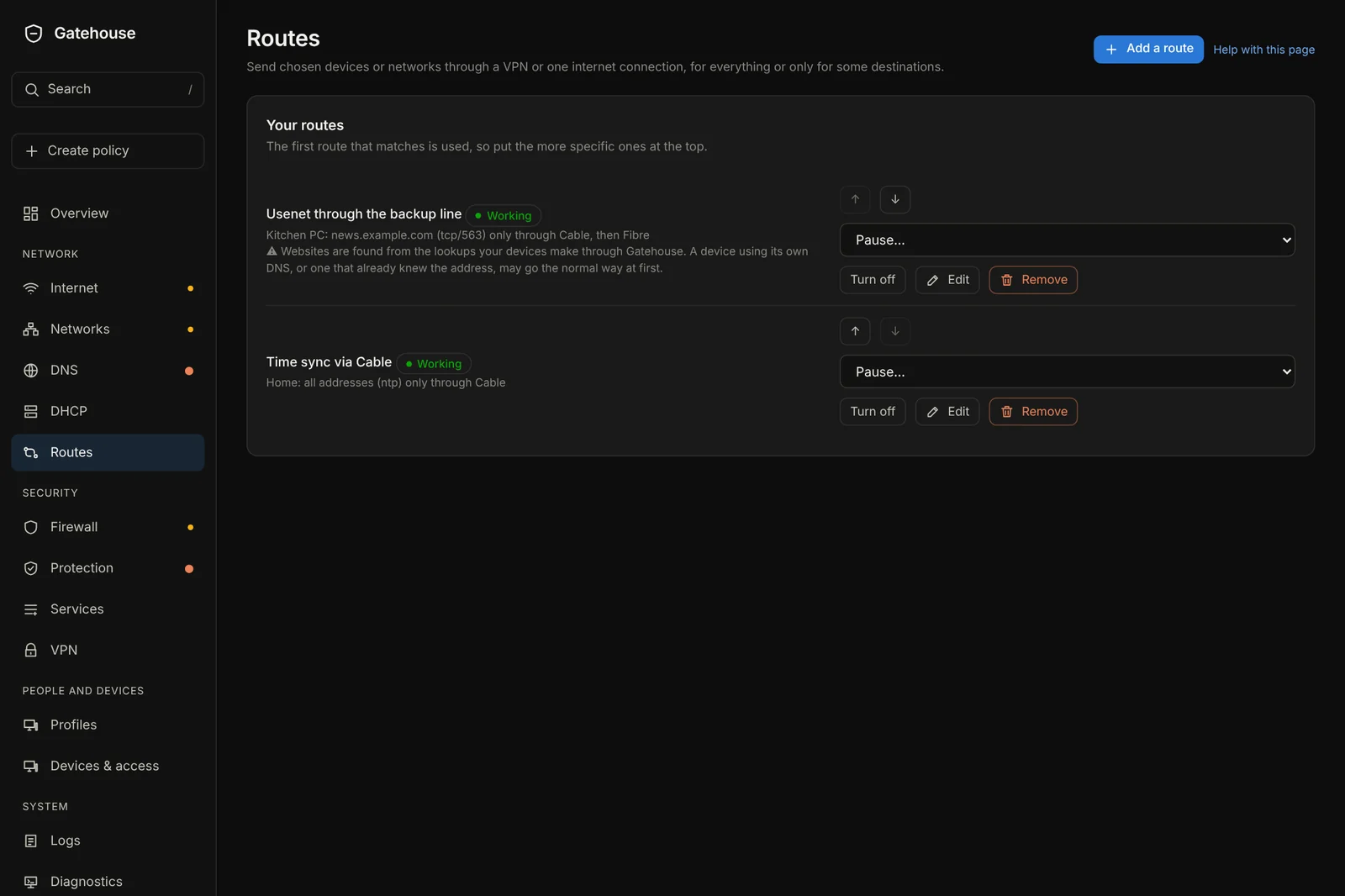
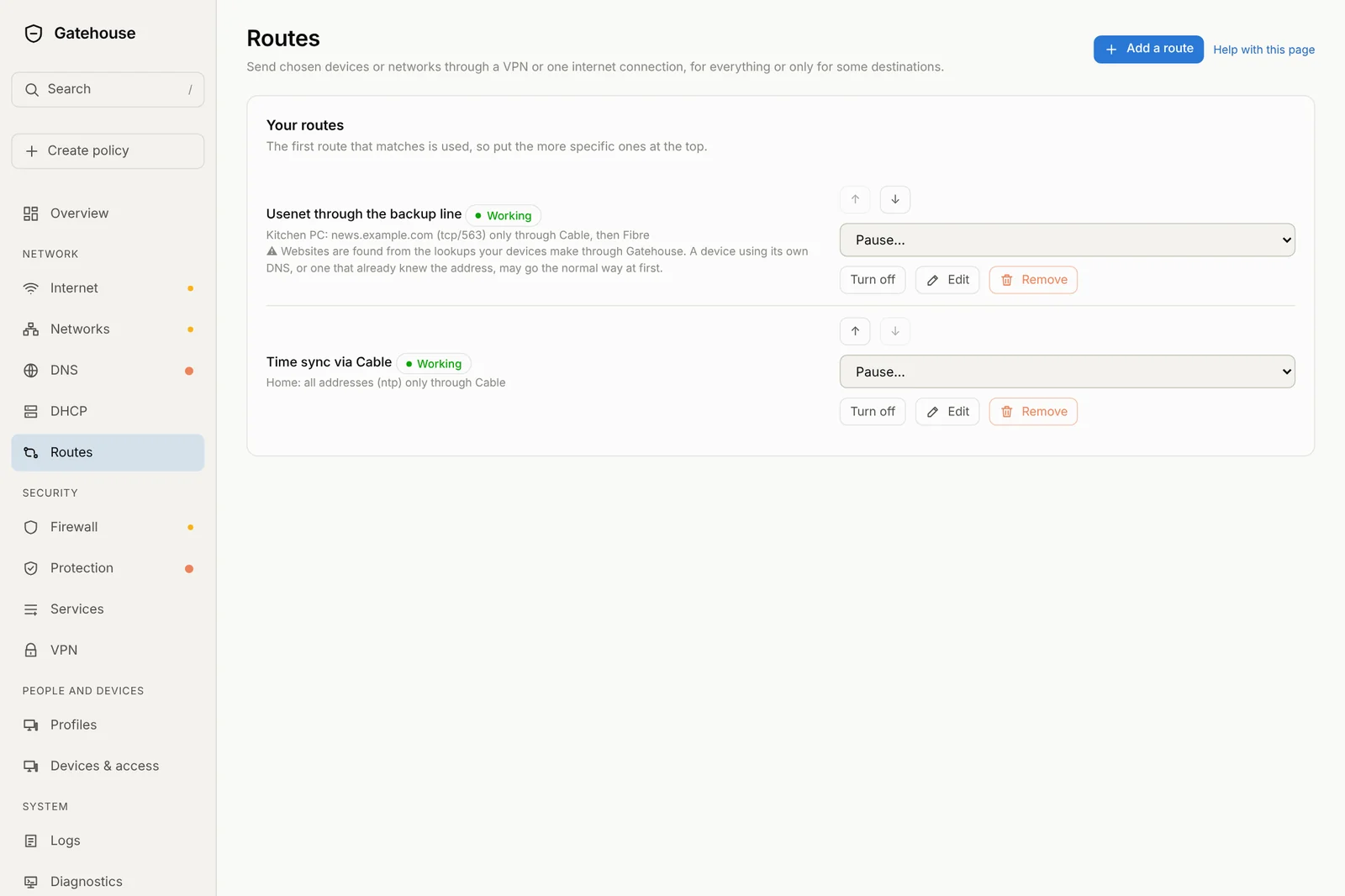
Choose the way out.
Send a device, a network, a website, a country or a type of traffic (such as NTP or Usenet) through a VPN, a connection group, or one or several of your internet connections, in the order you choose. A backup-only connection can be used on its own.
- Any mix of websites, addresses, countries and ports in one route
- Failover (first working one wins) or shared across connections
- A VPN with a kill switch, so nothing leaks if it drops
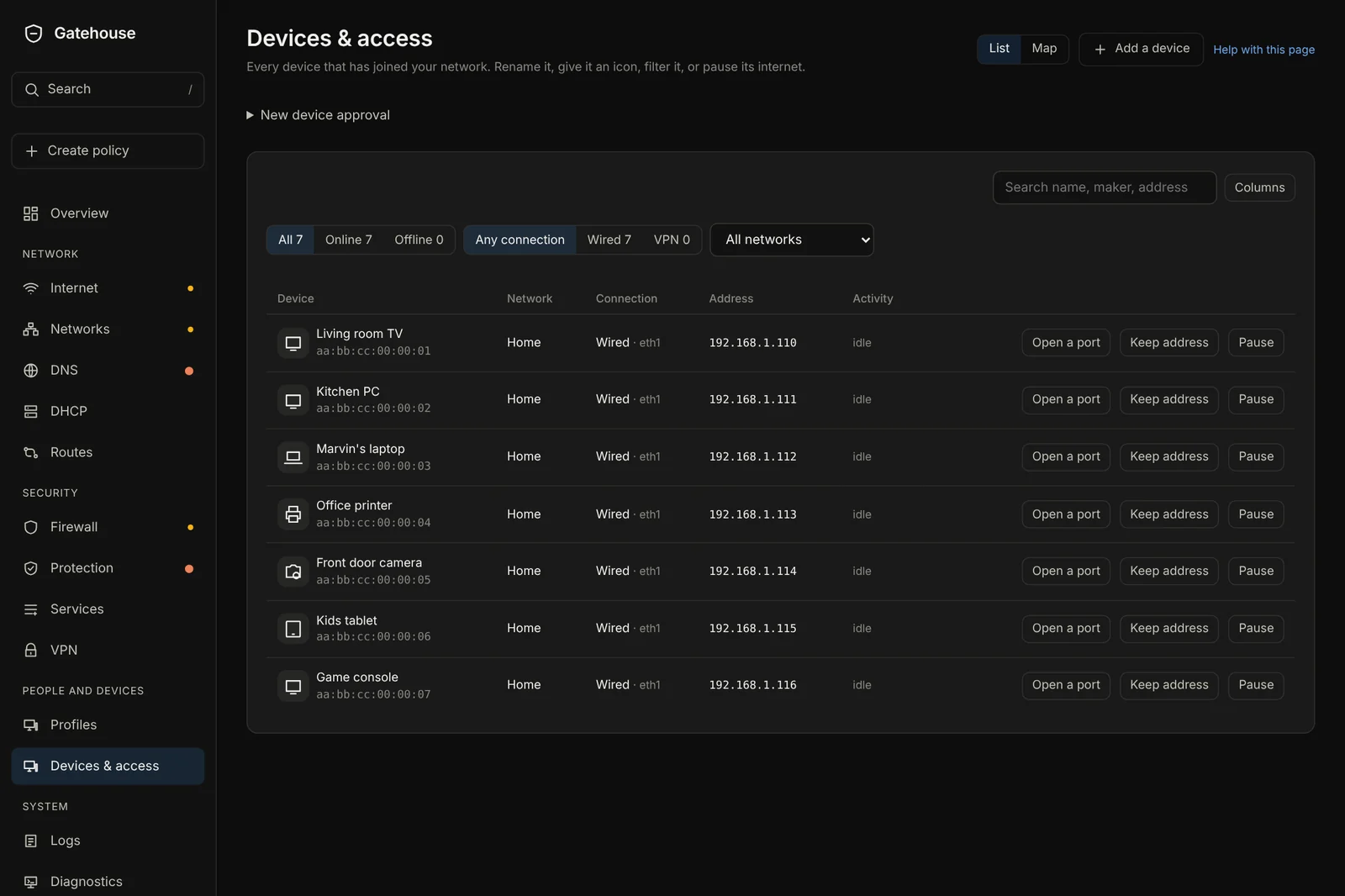
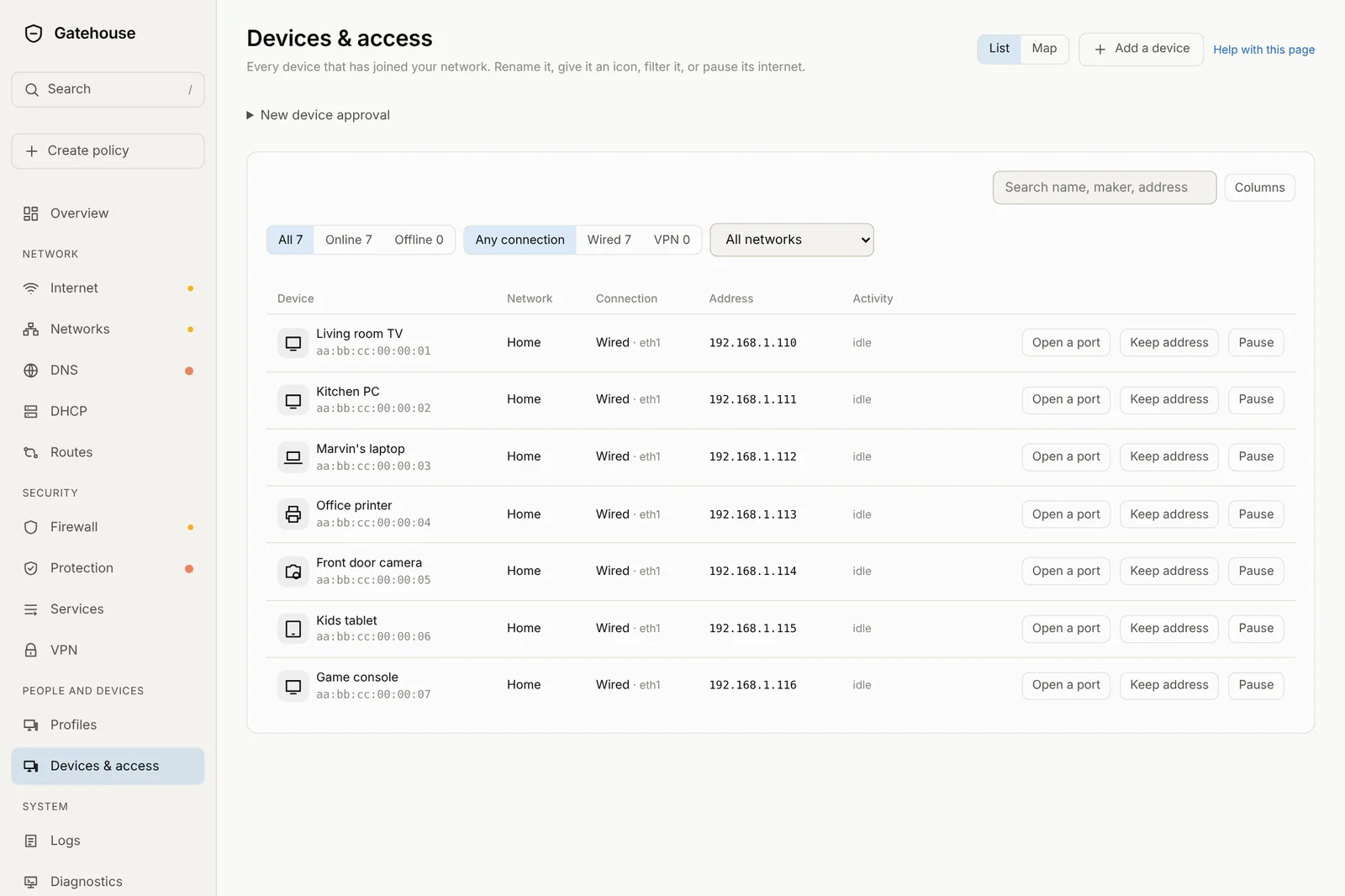
Every device, named and in control.
New devices show up on their own. Name them, give them an icon, keep their address the same every time, pause their internet, or open a port for them. Approve new devices before they get online, if you like.
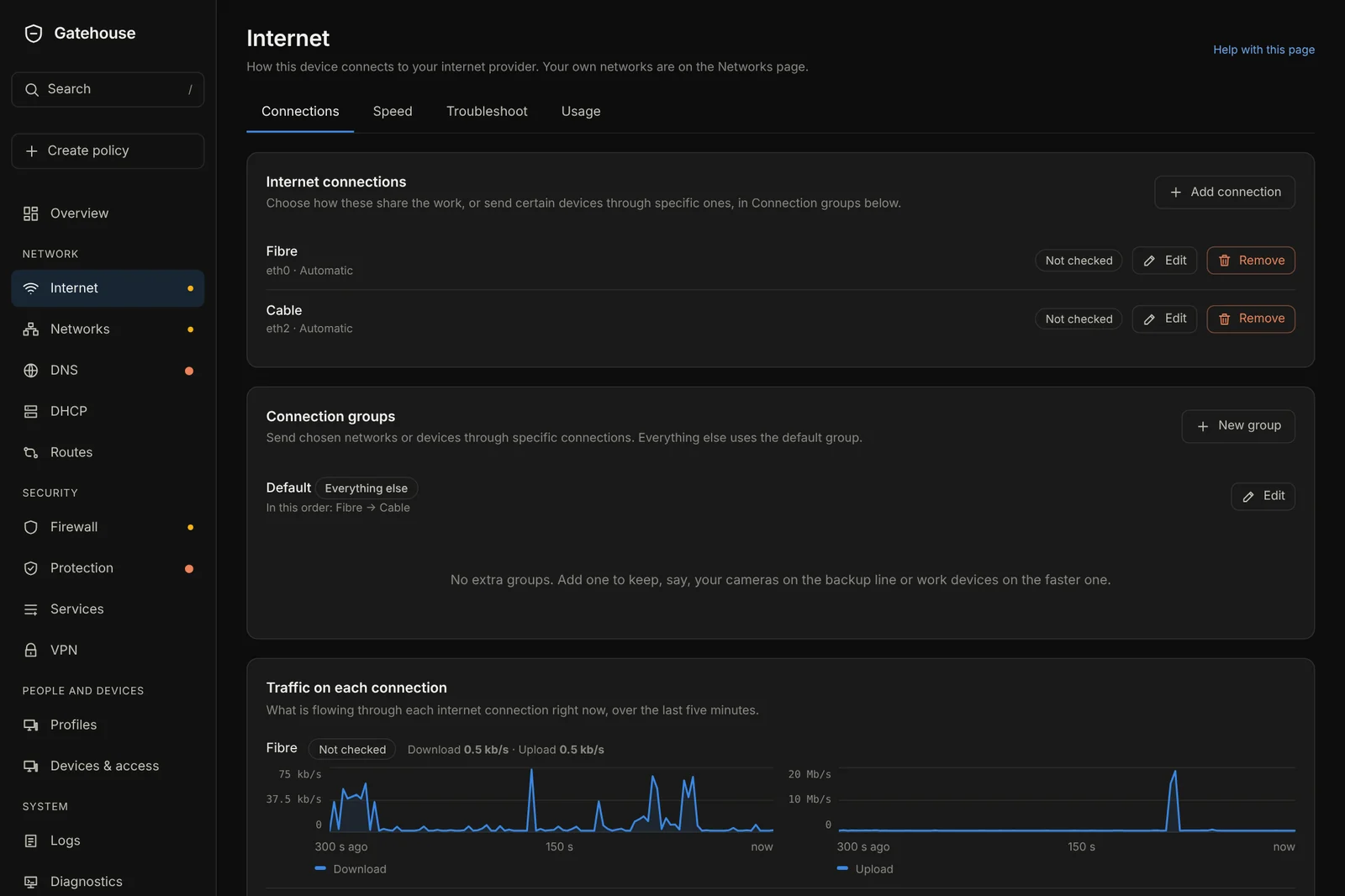
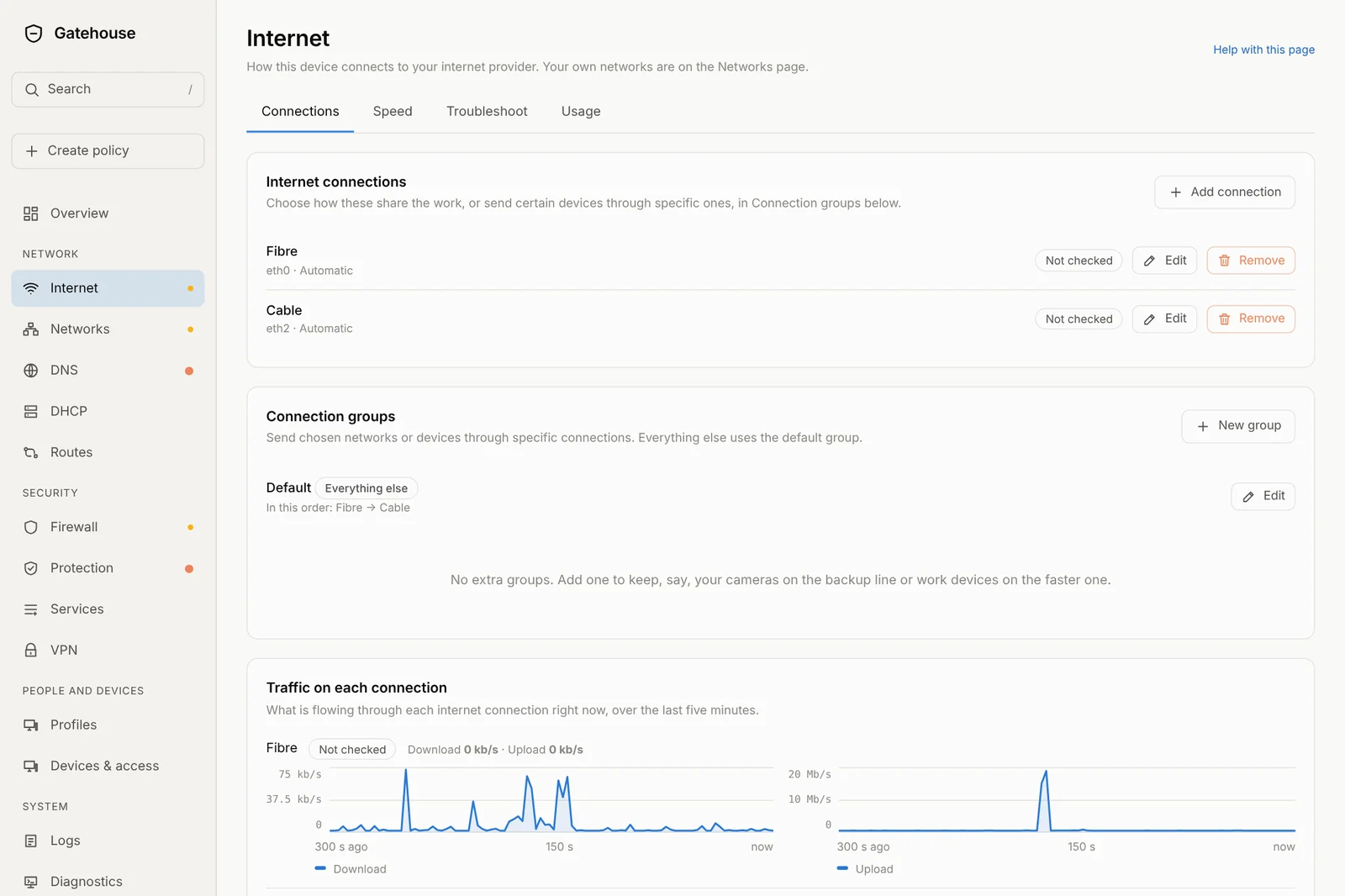
More than one connection? No problem.
Add several internet connections, see how each is doing, and group them. Use them as a main-and-backup pair, or share the load. Gatehouse watches each one and switches over by itself when one drops.
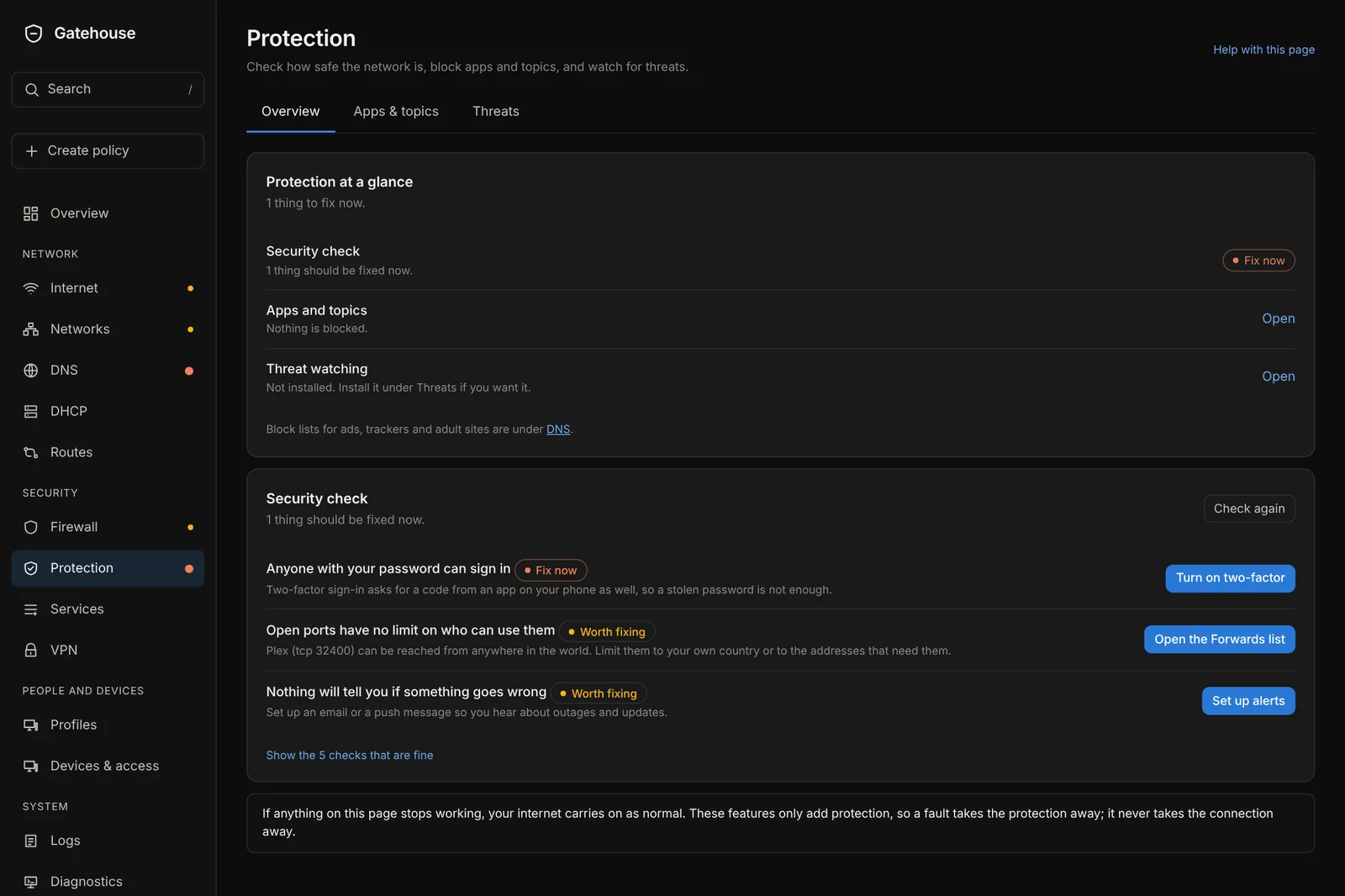
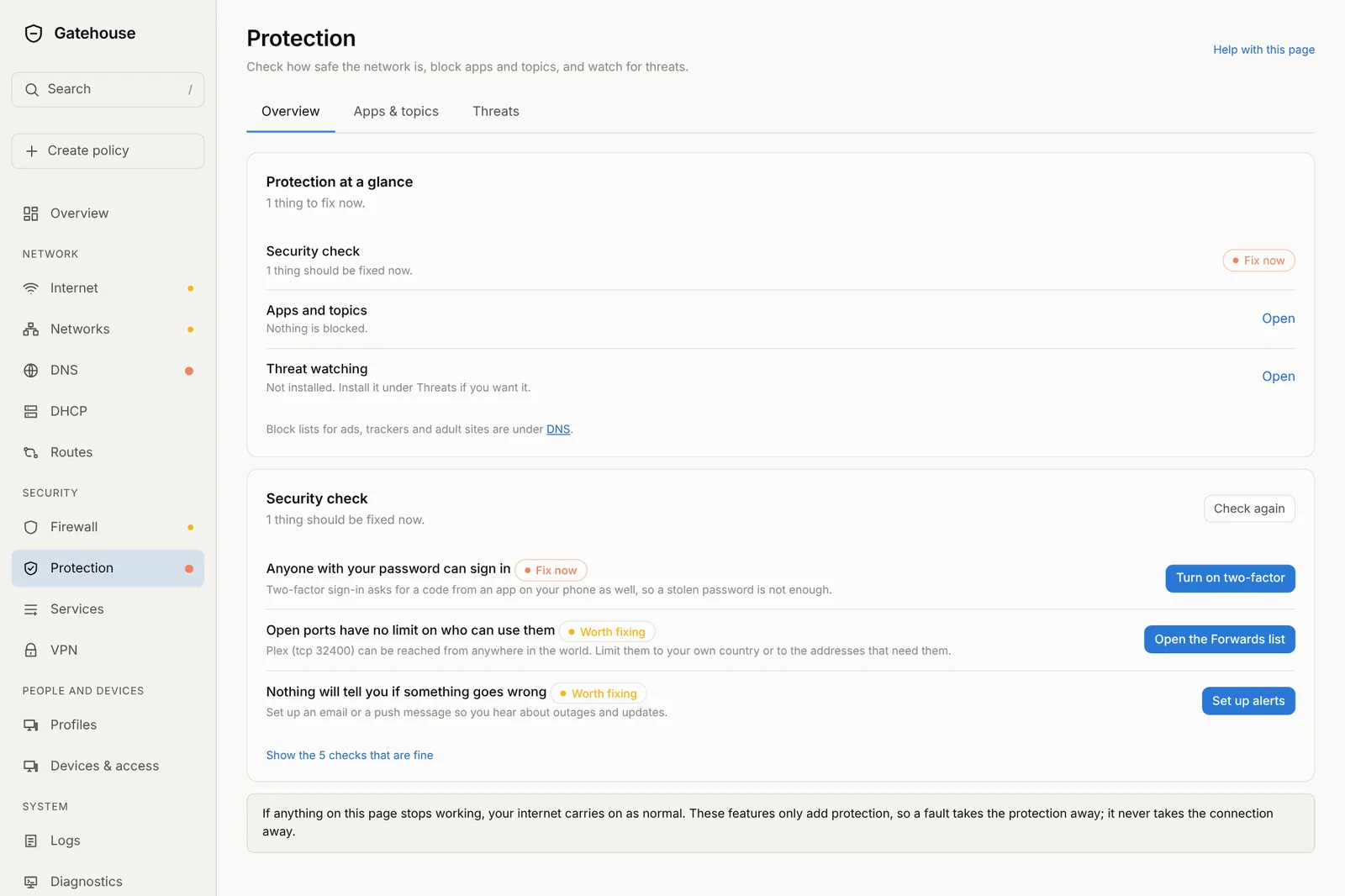
Know what needs your attention.
A security check lists what to fix, in order, with a button that takes you to the right place. Block apps, topics and websites for everyone, a network, a profile or a single device, always or at set hours.
Optional threat watching looks for infected devices and break-in attempts and tells you about them in plain words. It watches and tells; it never holds up your traffic.
A whole network toolbox, kept tidy.
DNS that blocks the junk
Block ads, trackers and malware names with lists you switch on. Add your own names, always-allow or always-block exceptions, and see exactly why something was blocked.
DHCP made simple
Hand out addresses, reserve one for the printer, see who has what. Reserve from the Devices page with one click.
VPN, in and out
Reach home from anywhere, join two sites together, or send some devices through a VPN provider. Three clear steps to add your phone.
Open ports, three taps
Choose the app (Plex, a game server, Home Assistant), choose the device, done. Gatehouse tells you which port it used.
Countries
Block or allow whole countries in or out, with a warning if you are about to block your own.
See what is happening
Live speeds, history, busiest devices, a world map of connections, and plain-language logs you can search.
Admin activity
Every change anyone makes is recorded: who, what and when, including pauses, schedules and ordering.
Backups
Download a backup, restore it, reset to a clean start. Routes, pauses and schedules come back exactly as they were.
Two boxes, one failover
Run a second Gatehouse as a standby so the network keeps going if the first one fails.