One way to make every policy.
The biggest step yet toward a firewall where everything works the same way.
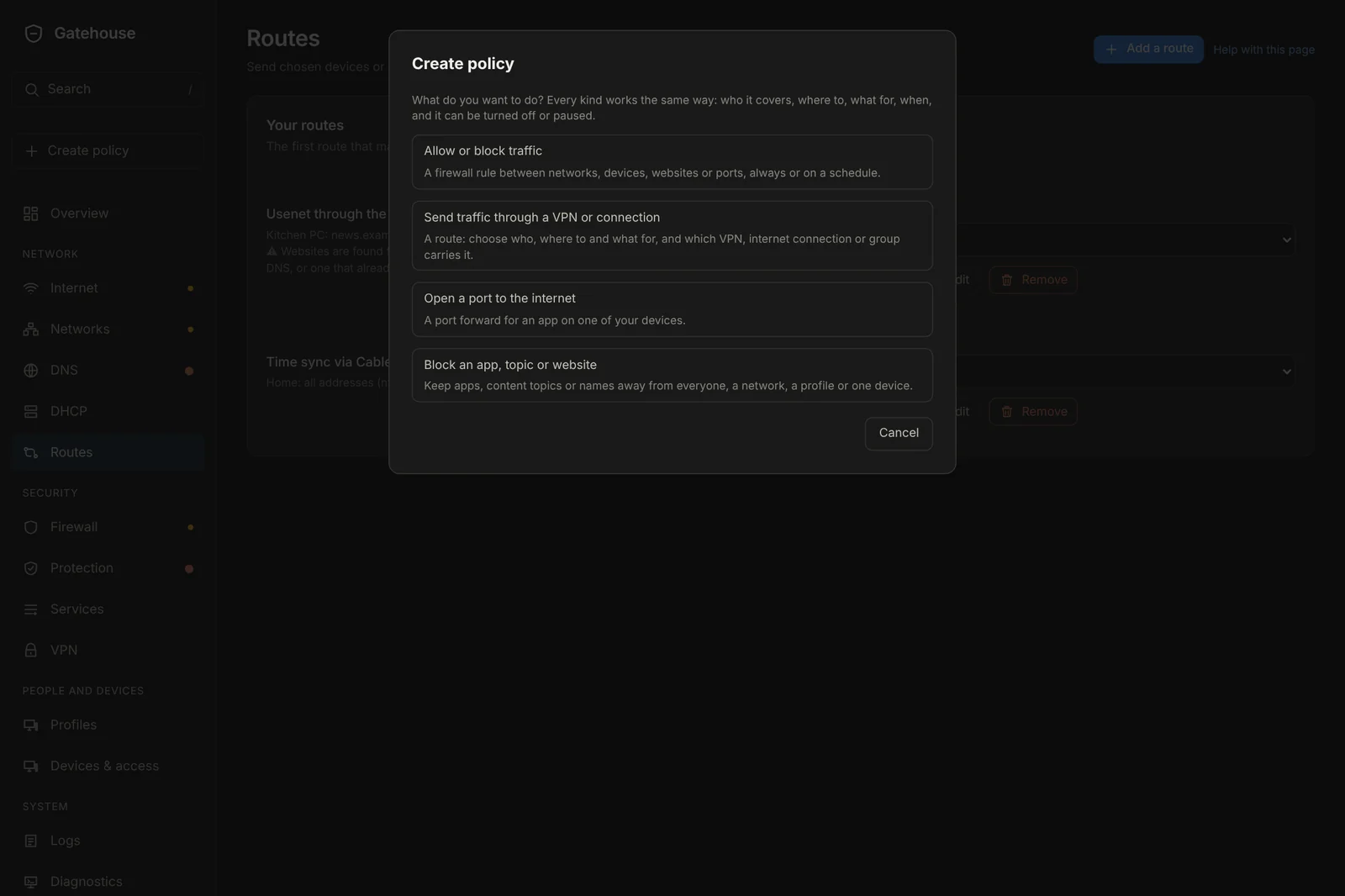
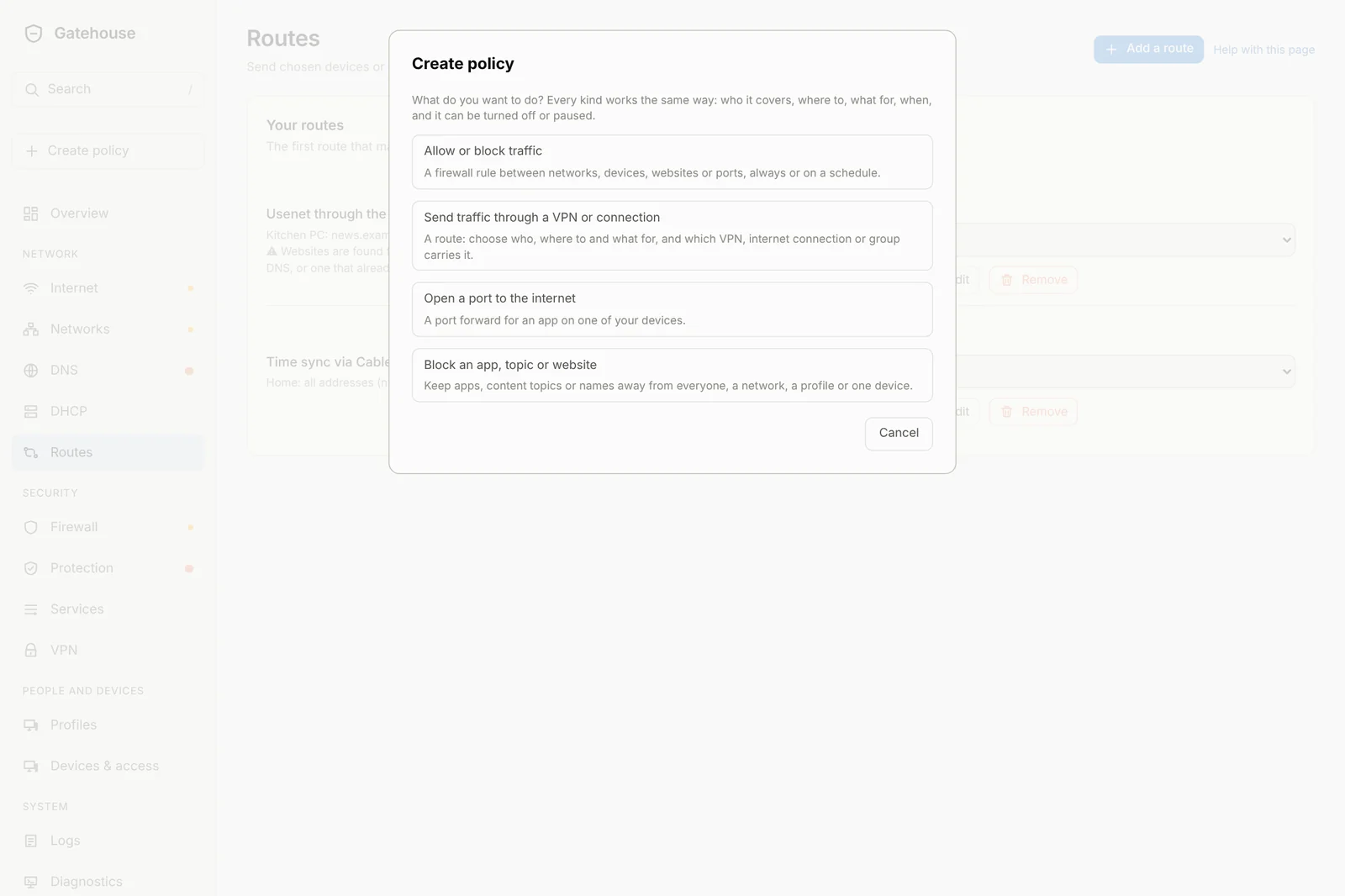
Create policy
One button asks what you want to do (allow or block traffic, send traffic through a chosen connection, open a port, block an app) and opens the right form. They all share the same pickers, the same list of services and the same wording.
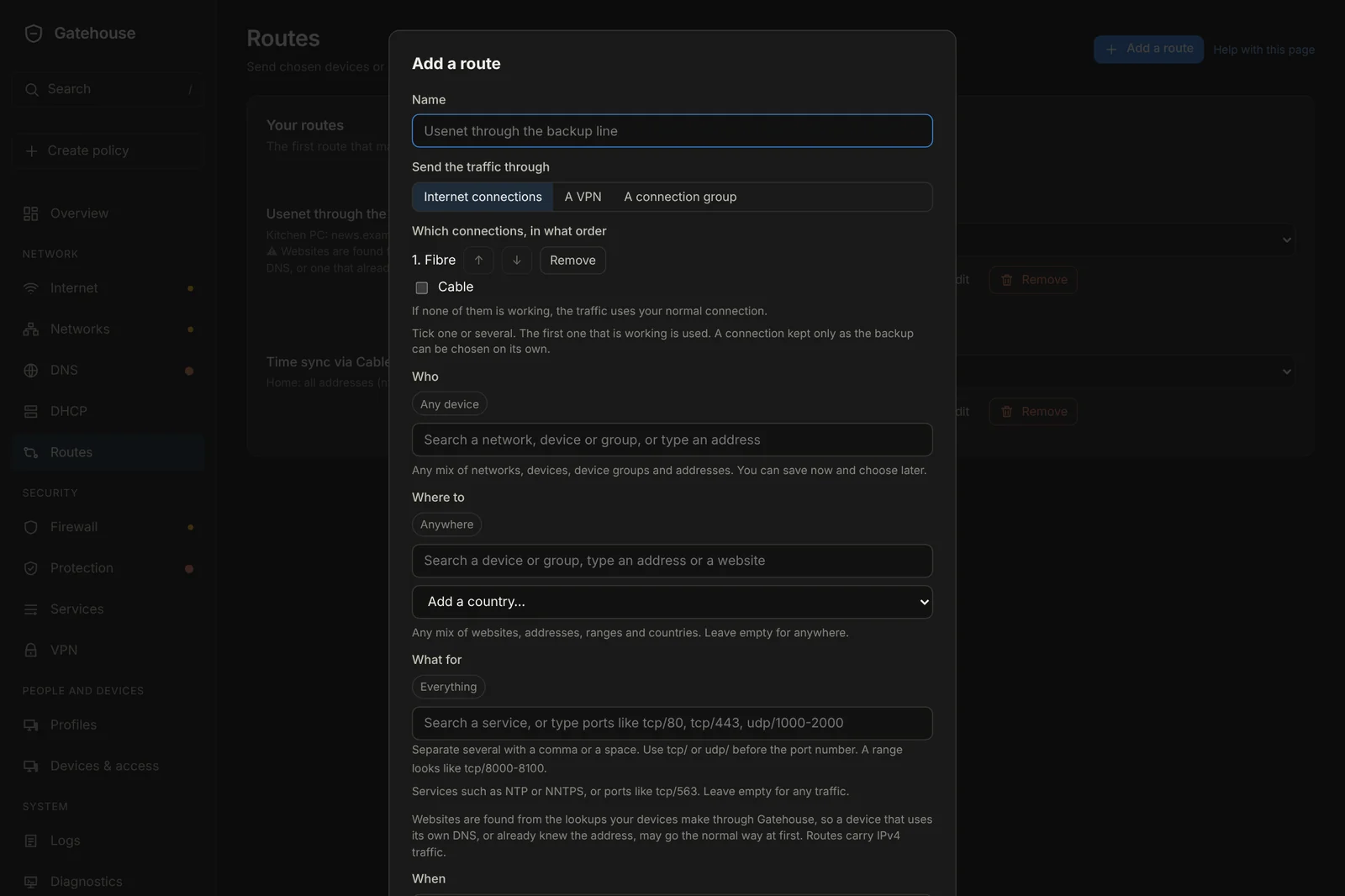
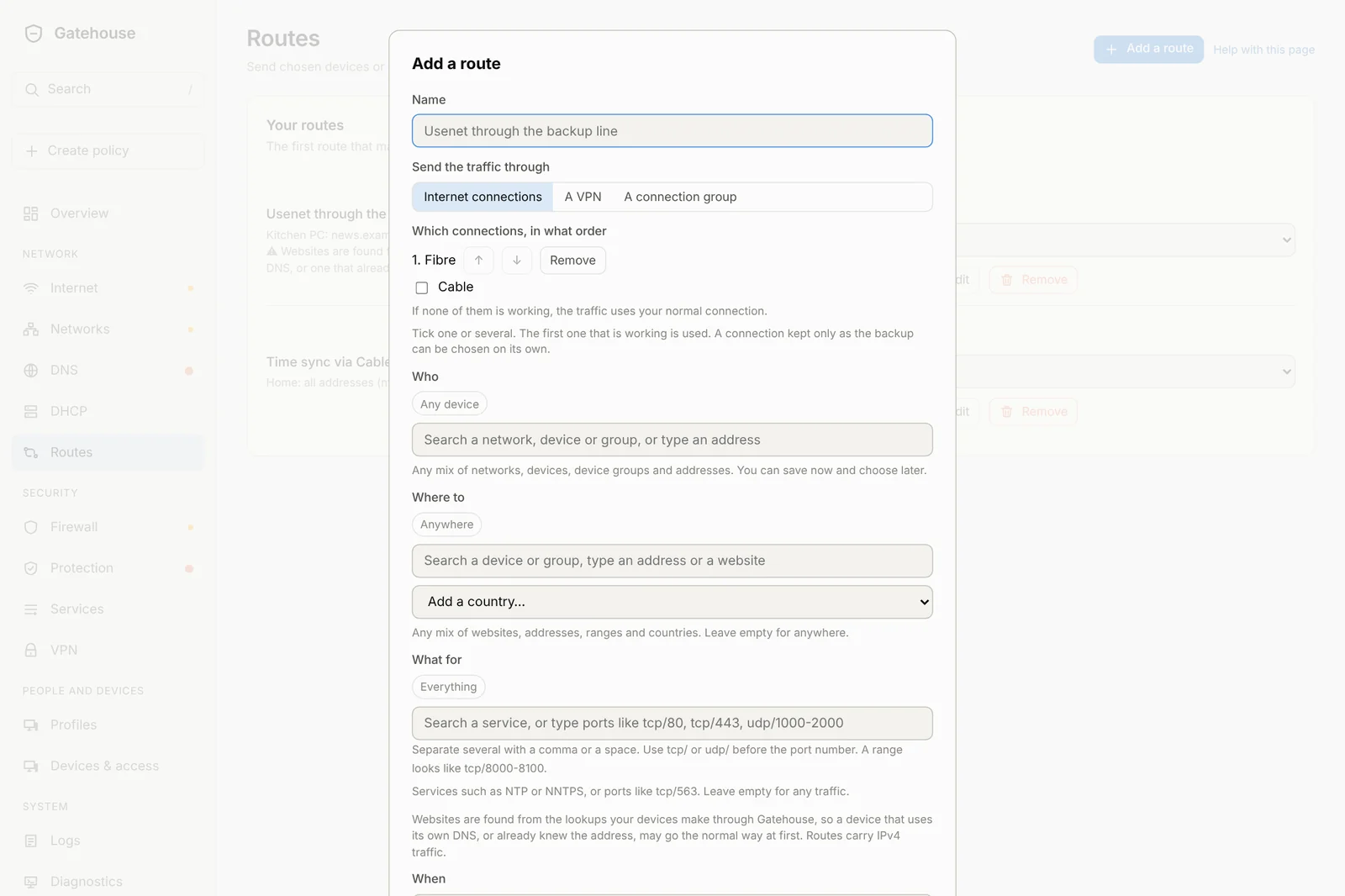
Routes that go where you say
Match any mix of websites, addresses, ranges, countries and ports (like NNTPS or NTP) for a network, a device, a group or an address. Send it through a VPN, a connection group, or one or several of your connections in the order you choose, to fail over or to share the load.
- Up to 16 routes
- A backup-only line can be used on its own
- Read back to you in plain words
The same controls everywhere
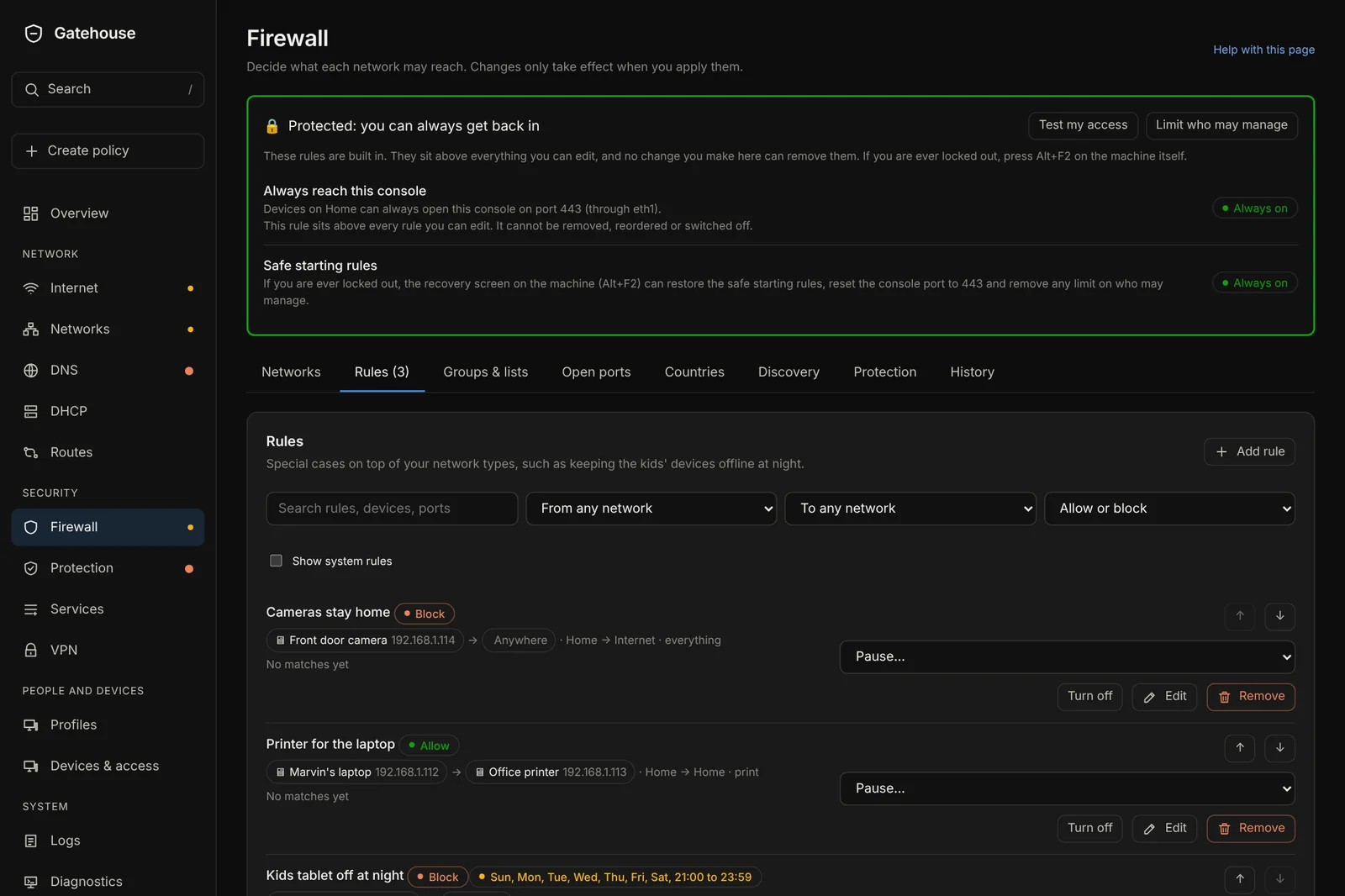
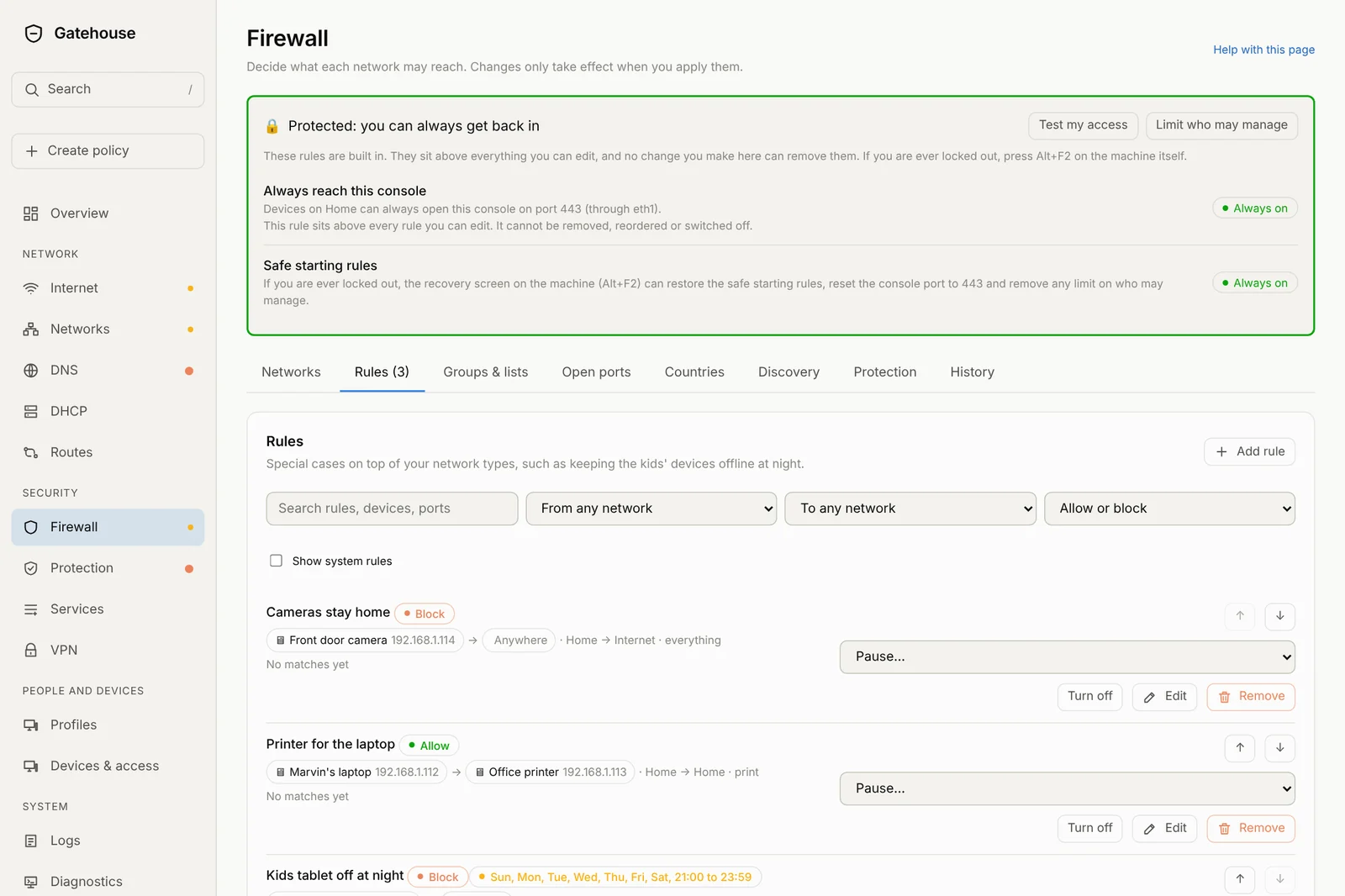
Rules, routes, blocks and port forwards can all be turned on or off, paused for a set time or until you resume, put on a schedule, edited and removed. Each one says in words what it does and whether it is working.
Everything is logged
Admin activity now lists every policy change, including pause, resume, schedule edits and reordering.
Keep address
Give a device a fixed address in one click from the Devices page. Release it just as easily.
Backups keep up
Backups, restore and reset include the new routes, pauses and schedules. Older routes come back unchanged.
Better on a phone
The Create policy choices and route selector now wrap neatly on small screens.
Less clutter
Threat alerts are grouped into one card per kind of alert per device, with the details folded away.
Tested harder
Tables are now tested past their limits, and every read-only page is checked on a brand-new box.